> For the complete documentation index, see [llms.txt](https://support.suptask.com/llms.txt). Markdown versions of documentation pages are available by appending `.md` to page URLs; this page is available as [Markdown](https://support.suptask.com/suptask-ai/auto-answer-requests.md).
# Auto-answer requests
Auto-answer and deflect requests automatically
A large share of every ticket queue is questions your team has already answered somewhere. With auto-answering, an Assistant looks up the answer in your own knowledge and resolves the request - sharing it directly with the requester, or handing a suggested answer to an agent to review and send. Fewer repeat questions reach your agents, and the people asking get answers faster.
***
### How it works
Auto-answering is one of the jobs an Assistant does on a ticket. When a ticket comes in, the Assistant analyzes what's being asked, finds the most relevant answer in your connected knowledge, and responds - without an agent needing to touch it.
Like every Assistant, it runs automatically on the tickets it's set up for, or on demand when you mention `@Suptask`, and you stay in control of what it can access and whether a person reviews its answers.
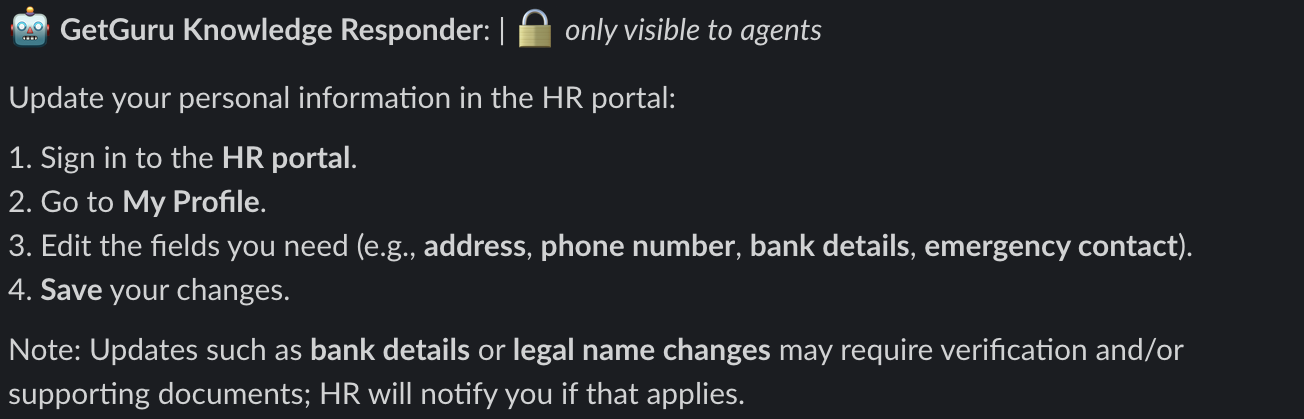
Example on auto-answer from Guru knowledge base
***
### Where answers come from
An Assistant only answers from the knowledge you give it. You can provide that knowledge in two ways:
* **Upload documents** directly to Suptask, such as internal guides, policies, or FAQs.
* **Connect a knowledge base** so the Assistant reads from where your content already lives, like [Notion](/integrations-automations-and-workflows/integration-guides/notion.md) or [Confluence](/integrations-automations-and-workflows/integration-guides/atlassian-confluence.md).
You also control **grounding** - whether the Assistant answers only from the sources you've provided, or may also draw on general knowledge. Keeping it grounded to your own sources means answers stay specific and accurate to your organization.
***
### Review or share automatically
You decide how much of the loop stays with a person:
* **Agent review** - the Assistant posts a suggested answer for an agent to review, edit, and send. Agents can leave feedback to improve future answers, keeping full control over what requesters see.
* **Answer directly** - the Assistant shares the answer with the requester itself, resolving common questions without an agent.
***
### Drive the conversation to a resolution
Auto-answering isn't limited to a single reply. An Assistant can hold a back-and-forth with the requester - asking a clarifying question, then following up with the right answer - to resolve the request on its own. When it can't, it hands the ticket to an agent with the context already gathered.
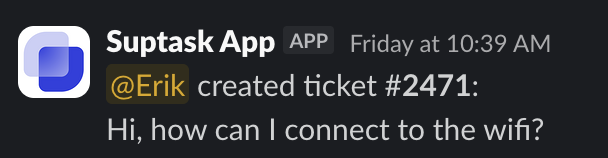
#### 1. Employee submits a question
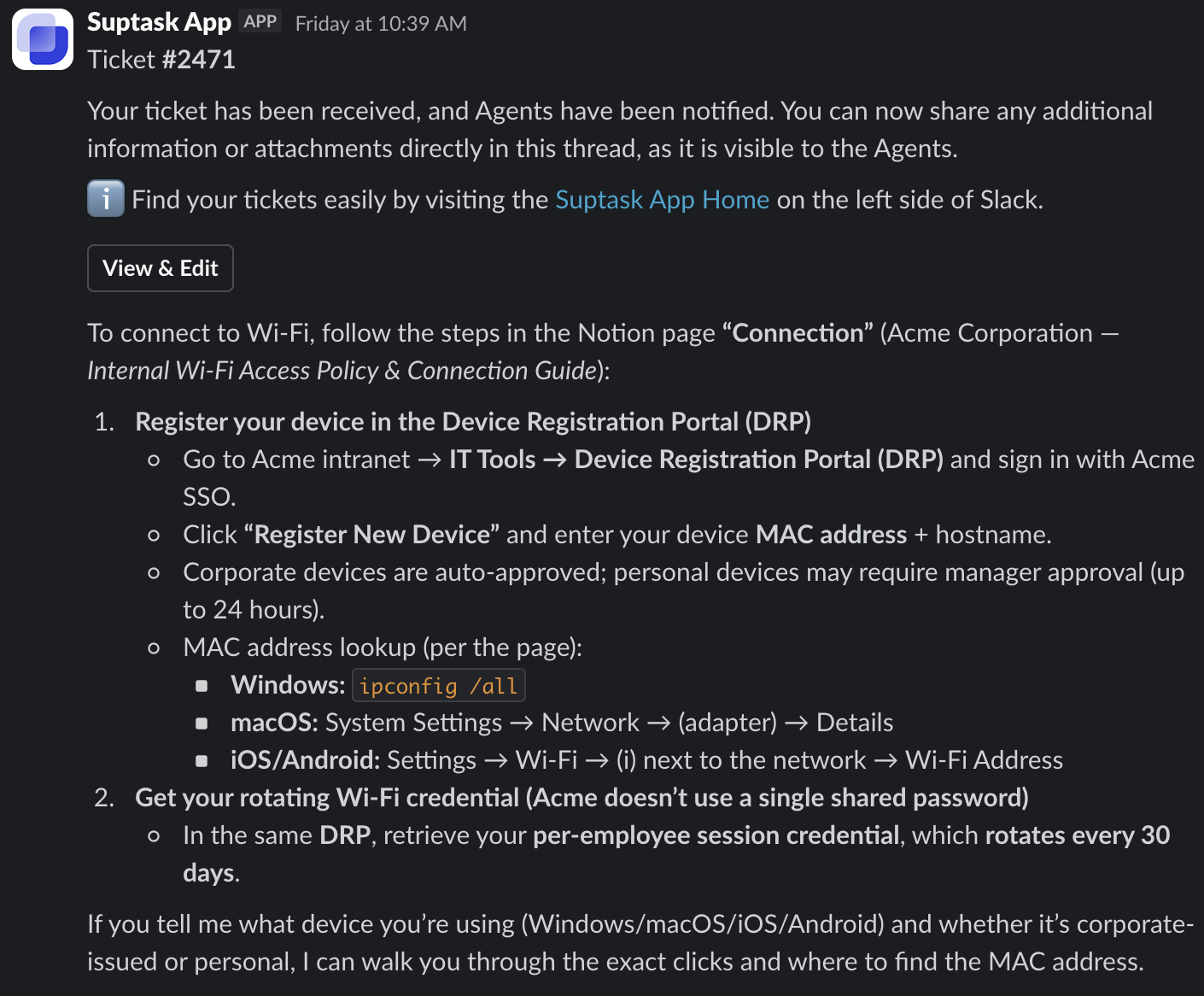
#### 2. Suptask replies automatically with an answer
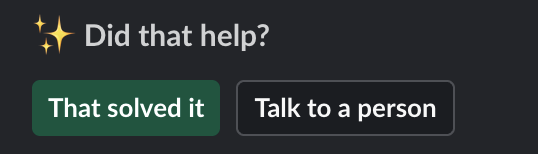
#### 3. Requester feedback & human escalations
Requester can either continue their conversation with Suptask, resolve the ticket or escalate to an Agent.
***
### Turn it on
Auto-answering can be enabled per Inbox. To set it up:
1. Add the knowledge the Assistant should use - upload documents or connect a knowledge base.
2. Choose whether answers are reviewed by an agent or shared directly with the requester.
You can turn AI features on or off at any time from the Intelligence page.